

Overview
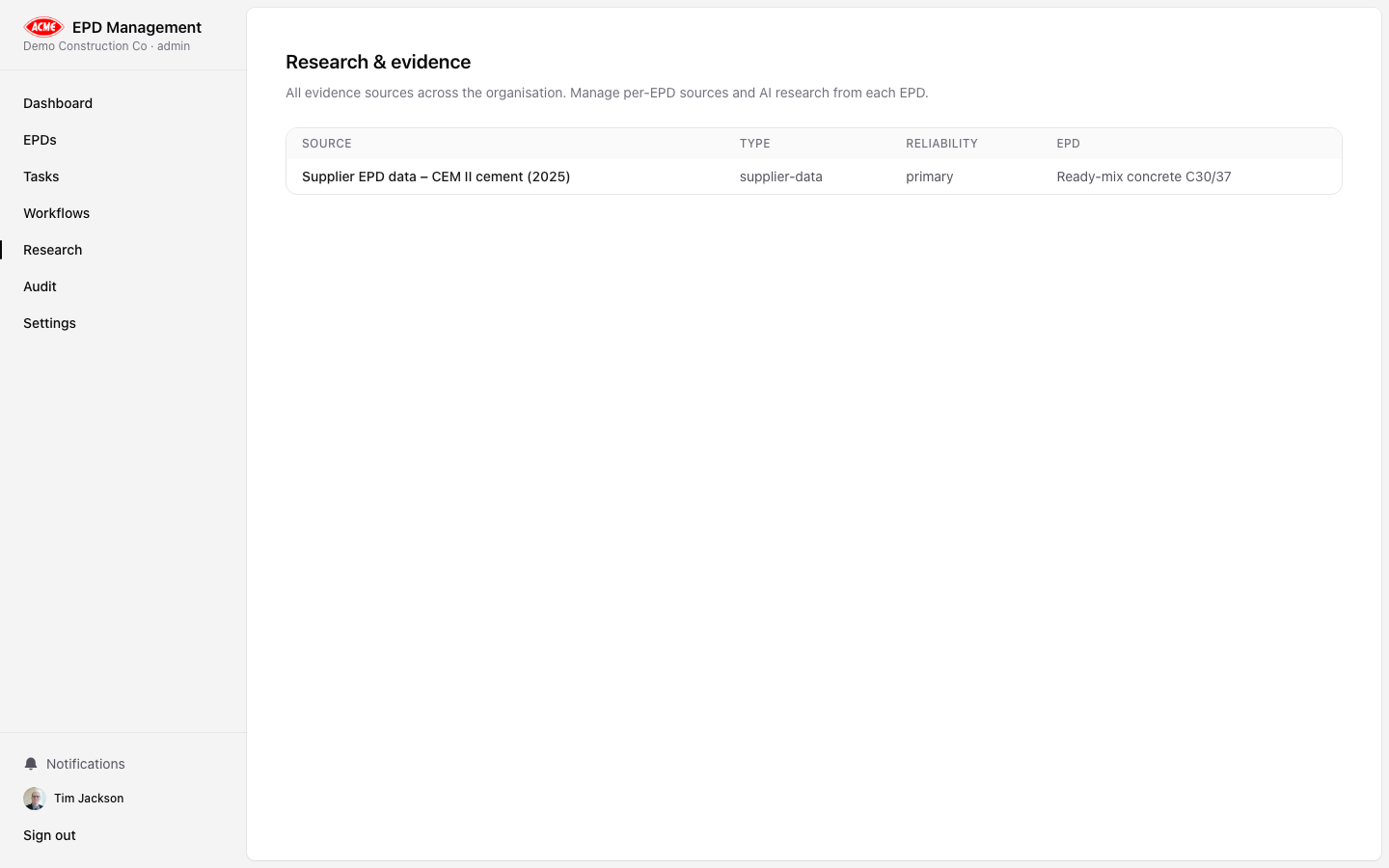
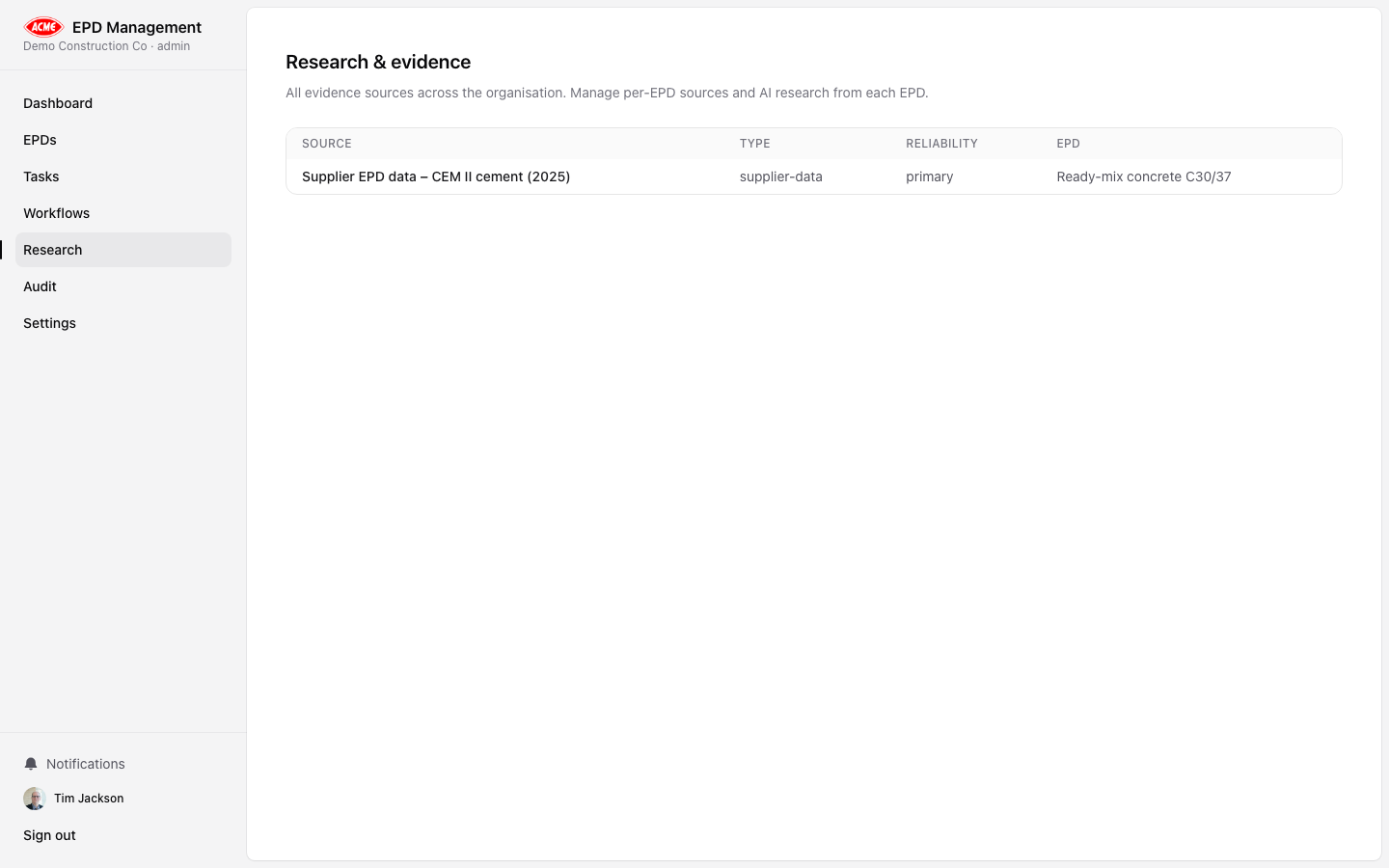
/research) shows all AI analysis runs across your entire organisation. Each run shows:
- The analysis type (kind)
- Which EPD it was run against
- Status:
pending→running→completeorfailed - Timestamp and result summary
Analysis types
| Kind | What it checks |
|---|---|
| Gap Analysis | Identifies missing or weak areas — critical, major, and minor gaps against EN 15804+A2 |
| Conformance | Checks declared claims against standard requirements clause-by-clause |
| LCA Methodology | Reviews allocation rules, cut-off criteria, background database, and methodological choices |
| Draft Narrative | Generates draft text for EPD sections based on your data |
| Evidence Review | Assesses the quality and completeness of supporting evidence |
Running an analysis
Analysis runs are triggered from within an EPD. Navigate to an EPD and click the Research tab.Add context (optional)
Paste additional context text — such as a raw LCA report extract — into the context field.
Reading results
Click any completed run to expand its full output. Results are structured markdown with:- Findings grouped by severity (CRITICAL / MAJOR / MINOR for gap analysis)
- Clause references citing the specific standard clause
- Recommendations for each finding
AI results are advisory. All outputs must be reviewed by a competent LCA practitioner before relying on them for compliance purposes.