

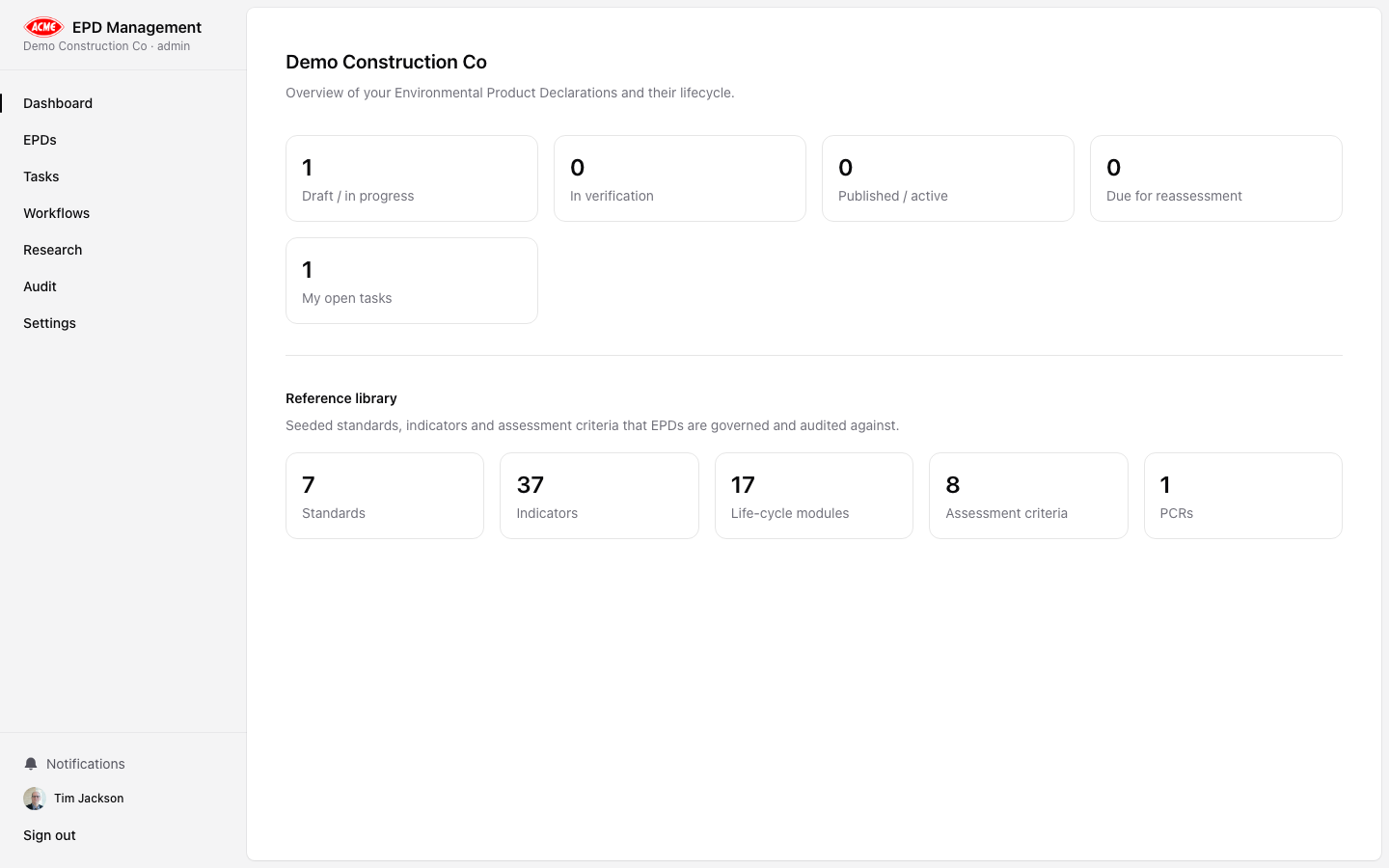
Sidebar navigation
The left sidebar is the primary navigation. It contains:| Section | Route | Description |
|---|---|---|
| Dashboard | / | Overview: recent EPDs, tasks, AI runs |
| EPDs | /epds | All EPDs for your organisation |
| Research | /research | Org-wide AI analysis run history |
| Tasks | /tasks | Kanban board and task list |
| Audit | /audit | Full organisation audit trail |
| Settings | /settings | Organisation, team, AI, templates, prompts |
Organisation switcher
If you belong to more than one organisation, a switcher appears at the top of the sidebar. Click it to change the active organisation — all data shown will update to reflect the selected org.EPD detail tabs
When viewing an individual EPD, a horizontal tab bar appears at the top:| Tab | Description |
|---|---|
| Overview | Key metadata, status, product details |
| LCA Data | Life-cycle assessment module data entry |
| Research | EPD-specific AI analysis runs |
| Governance | Approvals, verification records, EPD-level audit |
| Documents | Generate and download the EPD PDF |
Settings tabs
The Settings page is organised into tabs:| Tab | Description |
|---|---|
| Organisation | Org name, your role, branding |
| Team | Invite members, change roles, remove members |
| AI | OpenAI model and API key configuration |
| Templates | Document template management |
| Surveys | Survey builder and response management |
| Prompts | Per-kind AI prompt editor with versioning |