

Sign in
Navigate to the application URL. You will see the sign-in screen.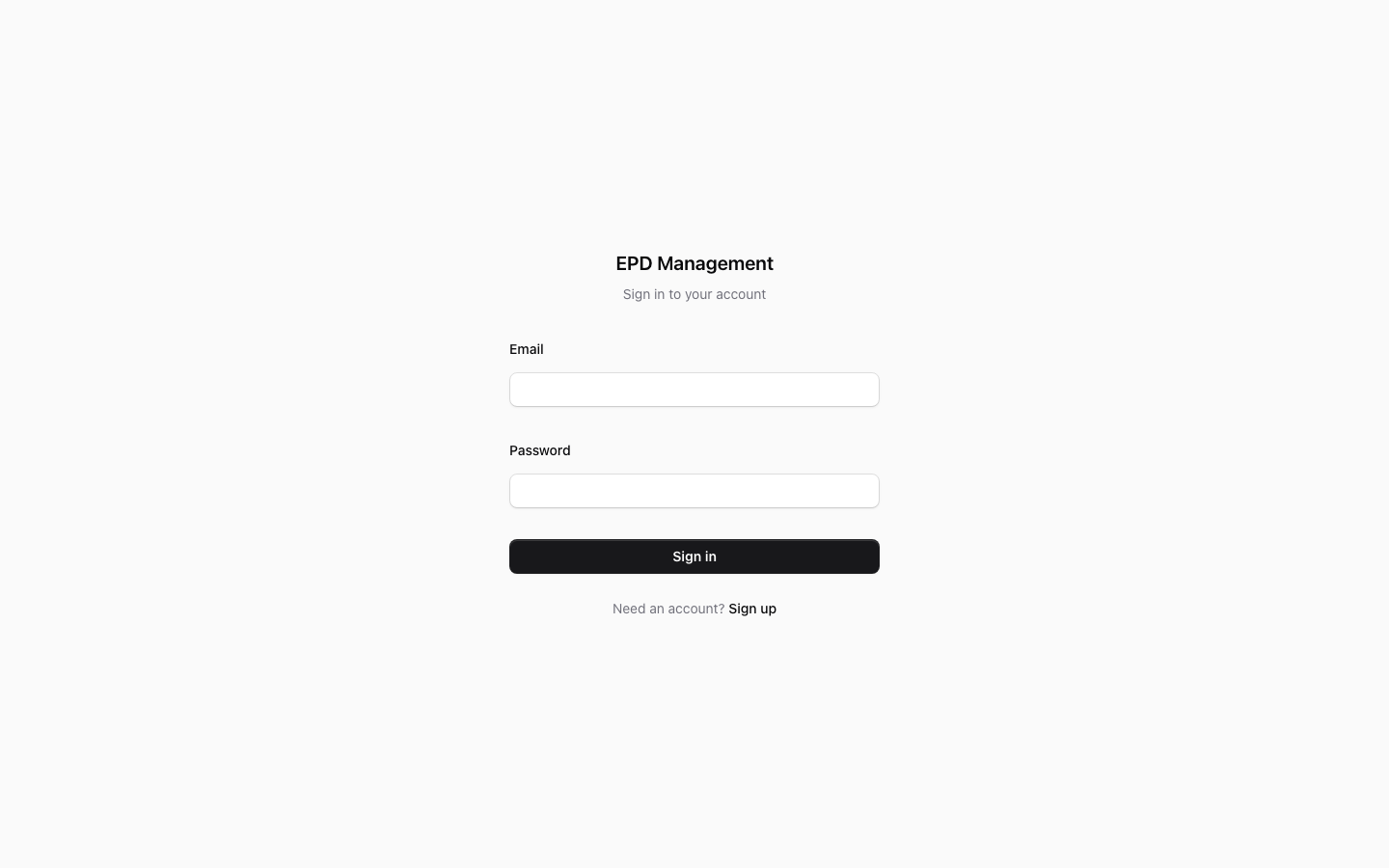
If you don’t have an account yet, click Sign up below the form. Ask your organisation administrator to invite you — see Team management.
Setting up your profile
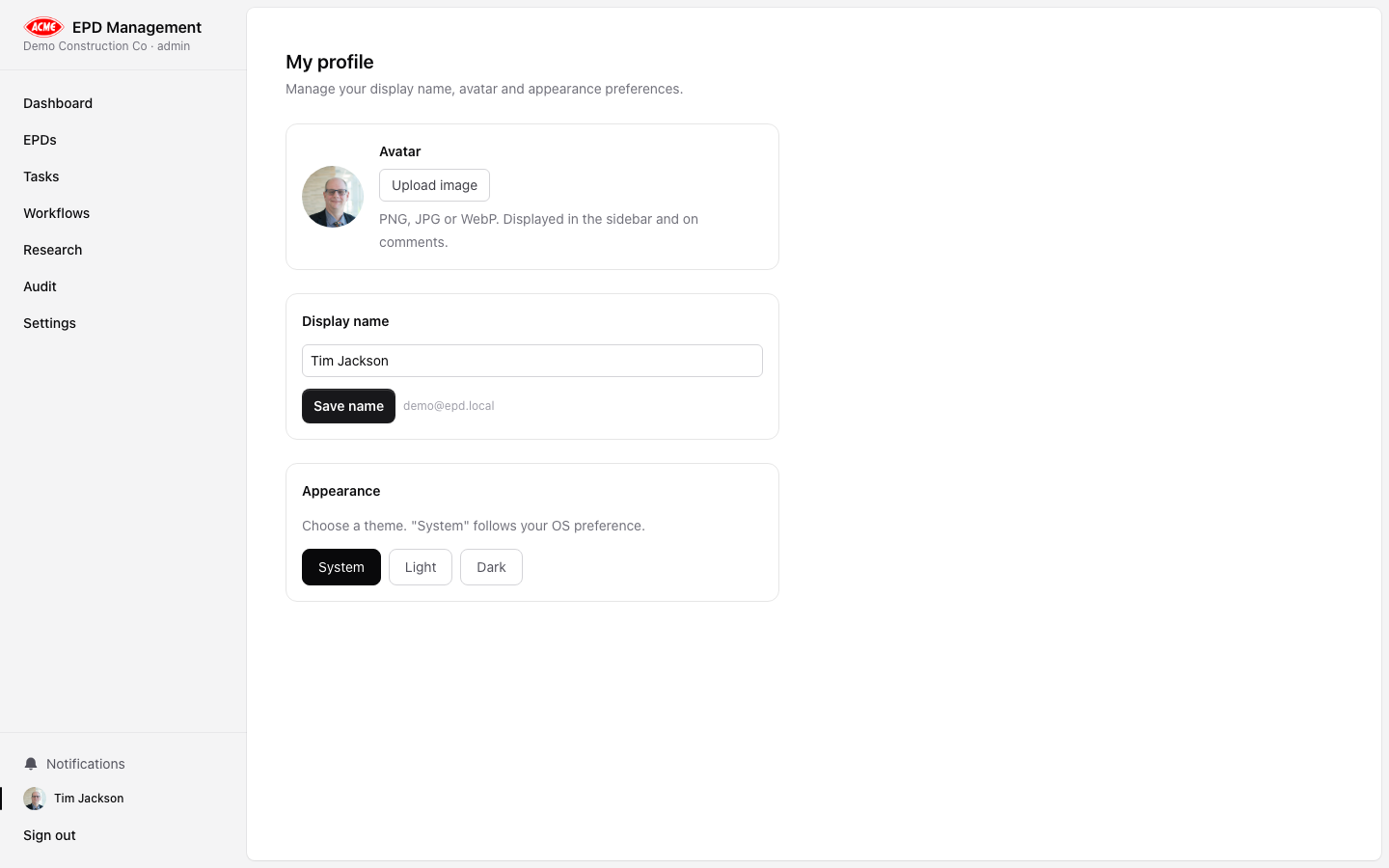
After first login, visit your profile to set a display name and upload an avatar.Set a display name
Enter a Display name — this is shown on tasks, audit logs, and approvals instead of your email address.
Switching theme
Your profile page also includes a Theme toggle. Choose between:- System — follows your OS dark/light mode preference (default)
- Light — always light
- Dark — always dark