

EPD list
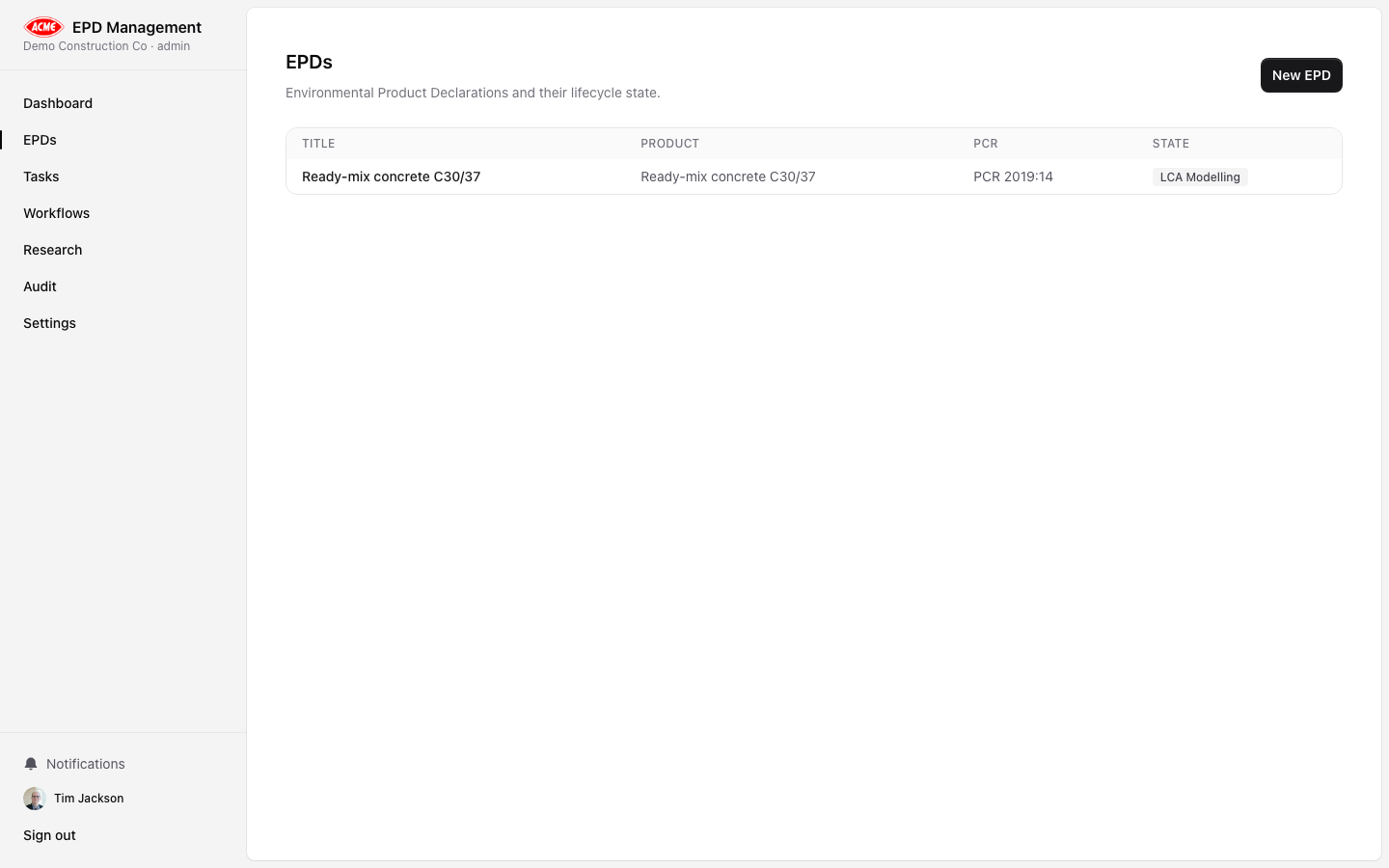
/epds) shows all declarations for your organisation. Each row shows:
- Product name and EPD title
- Standard profile (e.g. EN 15804+A2 / ISO 14025)
- Current workflow status
- Last updated timestamp
Creating an EPD
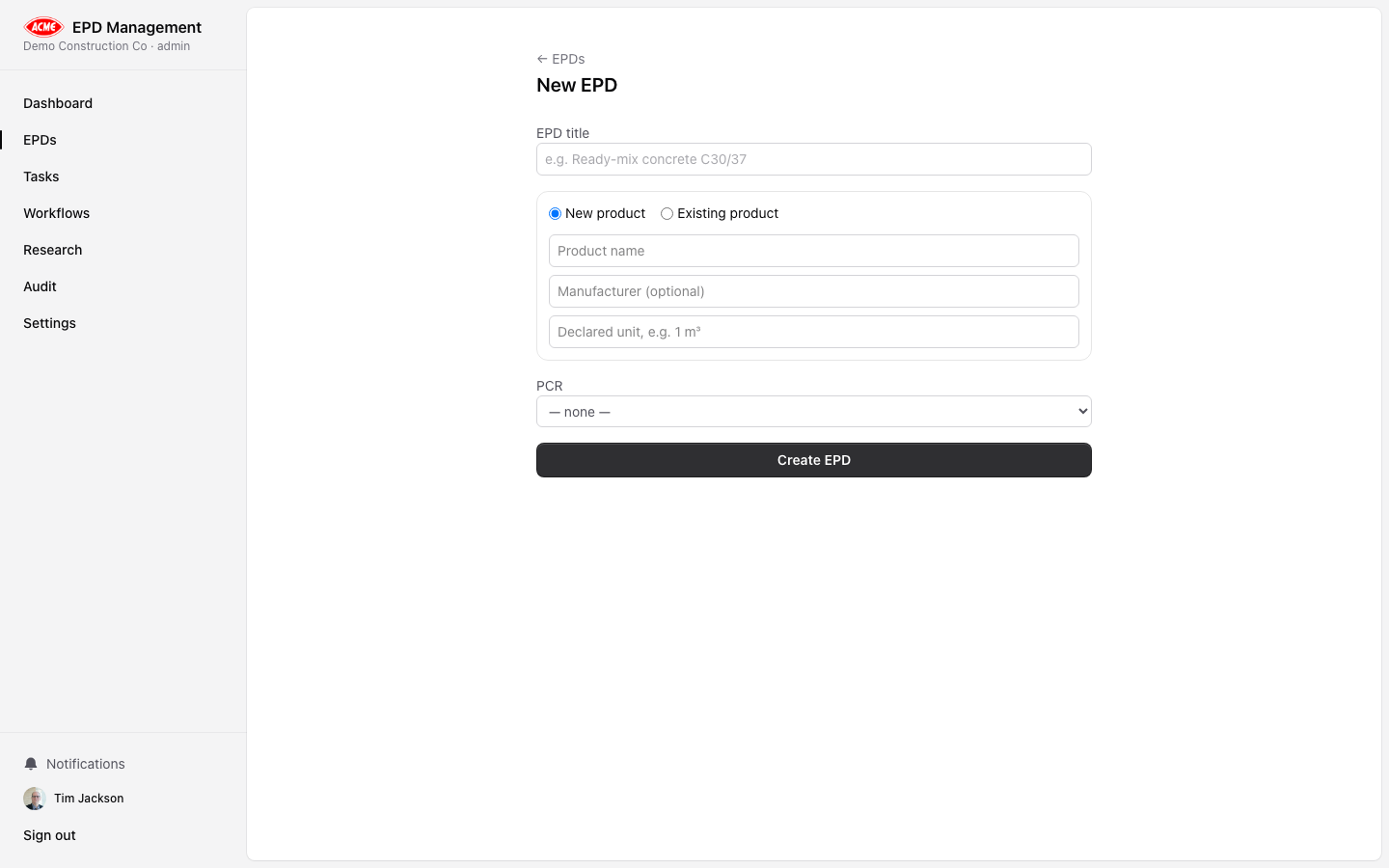
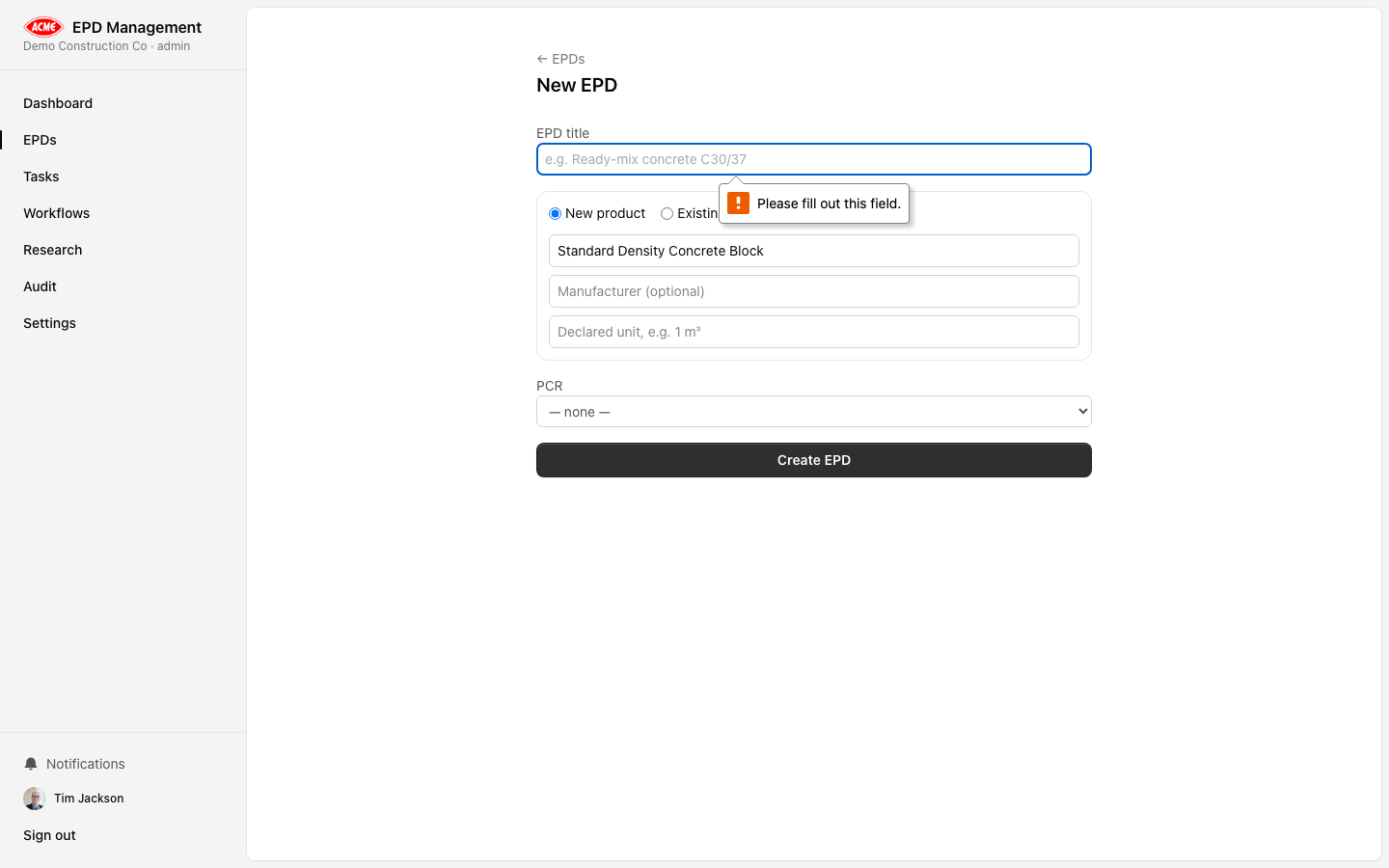
Enter basic details
Fill in:
- EPD title — a descriptive name for this declaration
- Product name — the product being declared
- Standard profile — select the applicable standard (EN 15804+A2, ISO 14025, etc.)
- PCR — the Product Category Rules reference if known
EPD detail — Overview tab
- Product and manufacturer details
- Declared unit and reference service life
- System boundary description
- PCR and LCA practitioner information
Workflow progression
The current workflow stage is shown at the top. Authorised users can transition the EPD to the next stage using the action buttons (e.g. Submit for Review, Approve, Send to Verifier).LCA Data tab

Research tab
Run AI-powered analysis specifically for this EPD. See Research for full details.Governance tab

- Approvals — internal review sign-offs with gate, decision, role, and comment
- Verifications — third-party verifier details, accreditation reference, outcome, and validity date
- Audit log — every action taken on this EPD with timestamp, actor, and role
Documents tab
