Overview
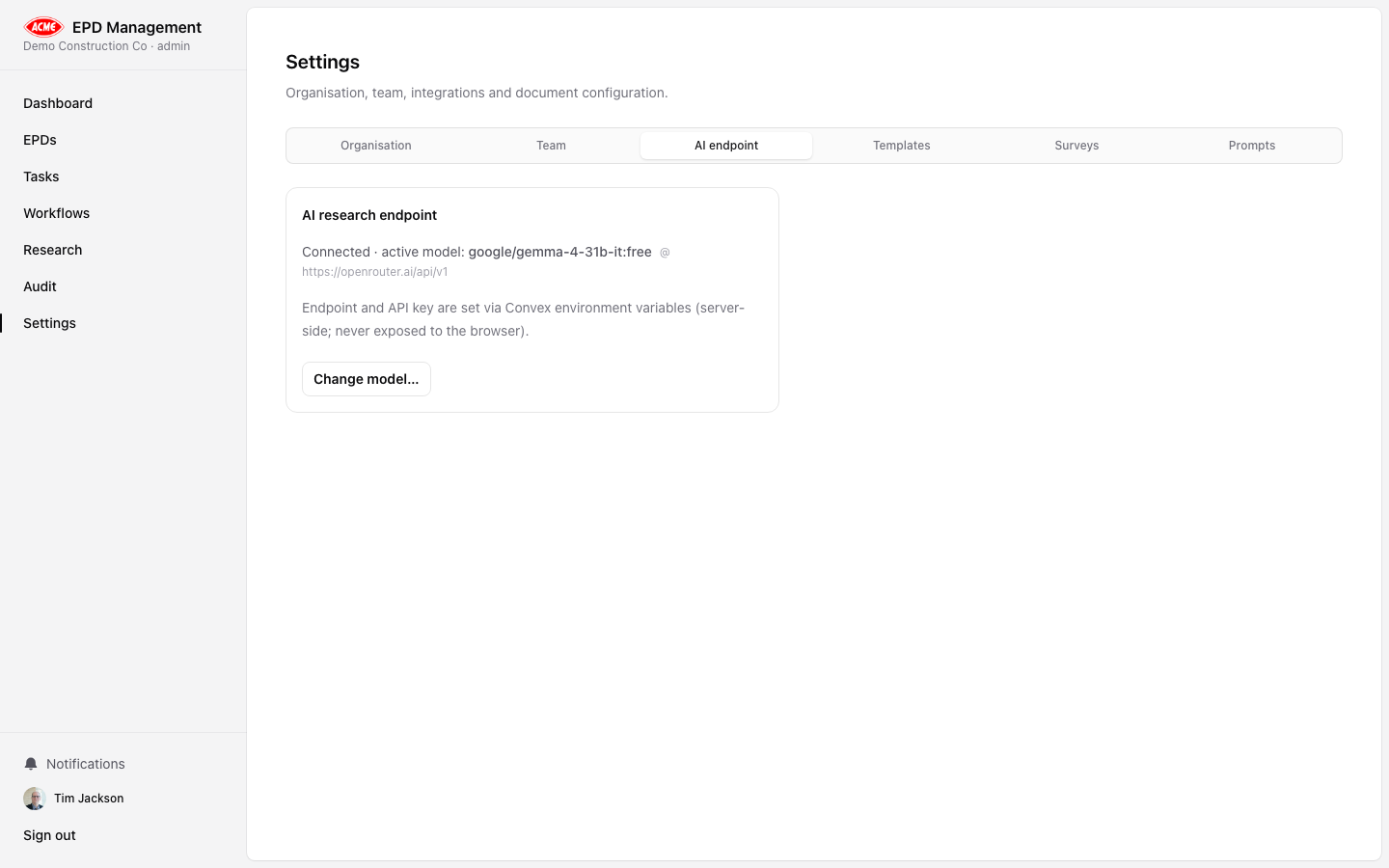
EPD Management uses OpenAI-compatible language models for all AI research analysis. Configuration is per-deployment via environment variables and per-organisation via the Settings → AI tab.
Environment variables
Set the following in your deployment environment (.env.local for local development):
OPENAI_API_KEY=sk-...
OPENAI_BASE_URL=https://api.openai.com/v1   # optional — override for Azure or compatible APIs
OPENAI_CHAT_MODEL=gpt-4o                     # optional — defaults to gpt-4o
Never commit your API key to source control. Use environment variables or a secrets manager.
Settings → AI tab
The AI tab in Settings allows authorised admins to view and update the active model configuration for the organisation:
- Model name — the model identifier to use (e.g.
gpt-4o, gpt-4o-mini, o3)
- Base URL — override the API endpoint (useful for Azure OpenAI or compatible providers)
Changes take effect immediately for new AI runs. In-progress runs are not affected.
Choosing a model
| Model | Recommended use |
|---|
gpt-4o | Best quality — recommended for gap analysis and conformance checks |
gpt-4o-mini | Faster and cheaper — suitable for draft narratives and simpler tasks |
o3 | Highest reasoning — use for complex conformance or cross-standard analysis |
Start with gpt-4o for production EPDs. Use gpt-4o-mini for exploratory or draft-stage analysis to reduce costs.
Compatible providers
The OPENAI_BASE_URL setting allows you to use any OpenAI-compatible API, including:
- Azure OpenAI — set to your Azure endpoint URL
- Ollama (local) — set to
http://localhost:11434/v1 for fully offline analysis
- Anthropic — via compatible proxy layers