Accessing Settings
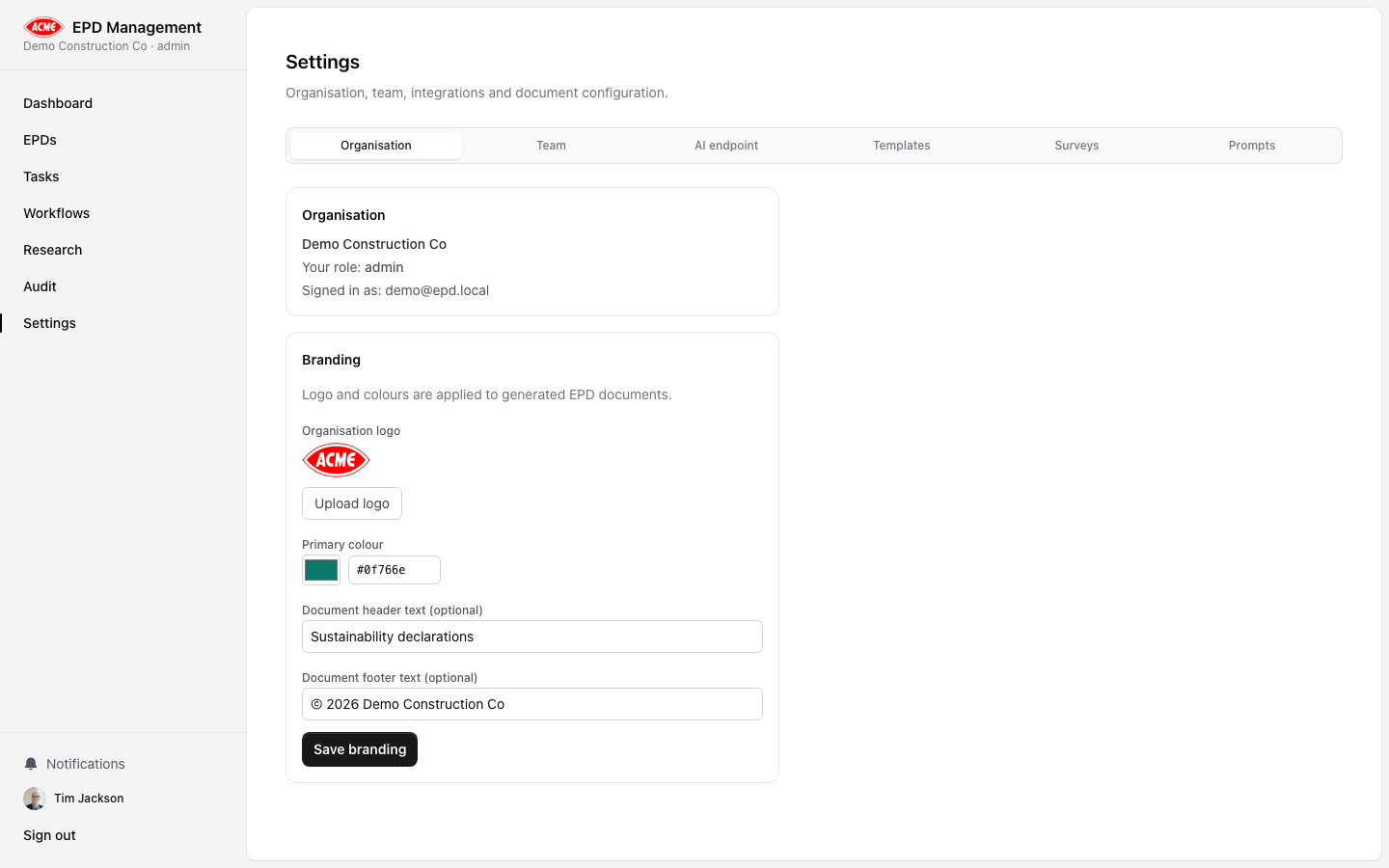
Navigate to Settings (/settings) from the left sidebar. The Settings page is divided into six tabs:
| Tab | Who can access | Purpose |
|---|
| Organisation | All members | View org details; manage branding |
| Team | Owner, Admin | Invite members, change roles, remove members |
| AI | Owner, Admin | Configure OpenAI model and API key |
| Templates | Owner, Admin | Create and manage EPD document templates |
| Surveys | Owner, Admin | Build and manage surveys |
| Prompts | Owner, Admin | Customise AI analysis prompts |
Only users with the Owner or Admin role can make changes in the Team, AI, Templates, Surveys, and Prompts tabs. Practitioners and Reviewers can view the Organisation tab only.
Organisation tab
The Organisation tab shows:
- Organisation name and your role
- Signed-in email address
- Branding panel — configure logo, primary colour, and document header/footer
See Branding for full branding configuration details.