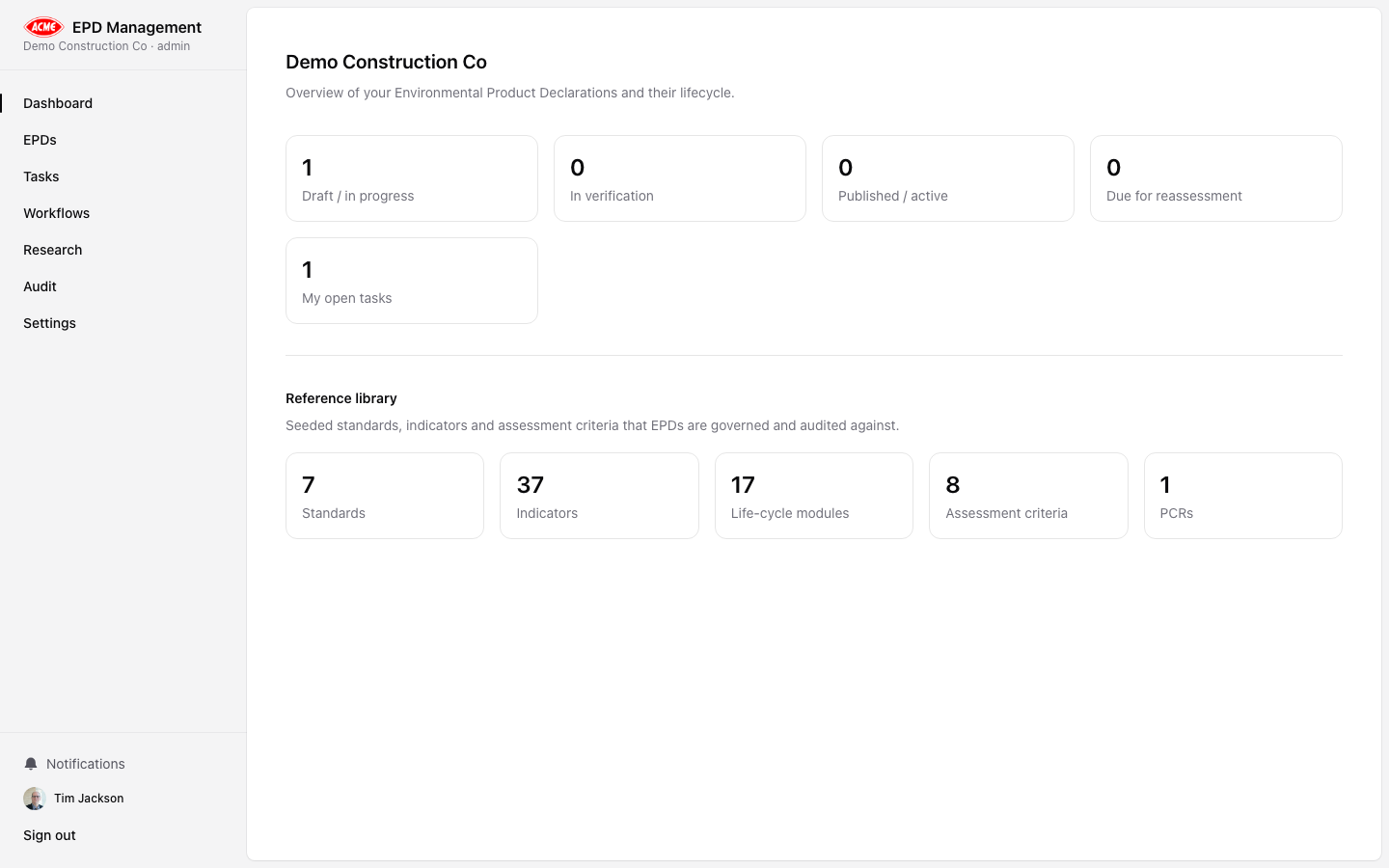
Overview
The Dashboard is the first screen you see after logging in. It surfaces:
- Recent EPDs — your most recently updated Environmental Product Declarations with status badges
- Open tasks — tasks assigned to you or your team that are not yet done
- Recent AI runs — the latest research analyses run across all EPDs
EPD status badges
EPDs progress through a defined workflow. Status badges indicate where each EPD sits:
| Status | Meaning |
|---|
Draft | In preparation — data entry in progress |
Internal Review | Under internal quality review |
Verification | Submitted to a third-party verifier |
Published | Verified and published |
Withdrawn | No longer active |
Quick actions
From the Dashboard you can:
- Click any EPD card to open its detail page
- Click New EPD to start a new declaration
- Click a task to jump to the Tasks board
- Navigate to any section via the left sidebar
Use the Dashboard as your daily starting point — open tasks and recent AI runs are shown here so you can pick up where you left off.